Saved Search — Stop Searching Manually Every Day
Set once what the client is looking for. Every 15 minutes the system checks for new listings, and if something matches — you receive a WhatsApp message.
This is one of the most useful tools for an agent: instead of manually searching every day for each client, you save a continuous search once, link it to a contact, and receive a WhatsApp notification the moment a new property matches. The scan runs every 15 minutes behind the scenes — you only get the alert.
Do it in the app
-
1
From Chat: One Request
The quick way — tell the assistant "save search: 4 rooms in Neve Ze'ev up to 2.5 million named David". It will create it, link to the contact if exists, and confirm.
-
2
From the App: Alerts Page
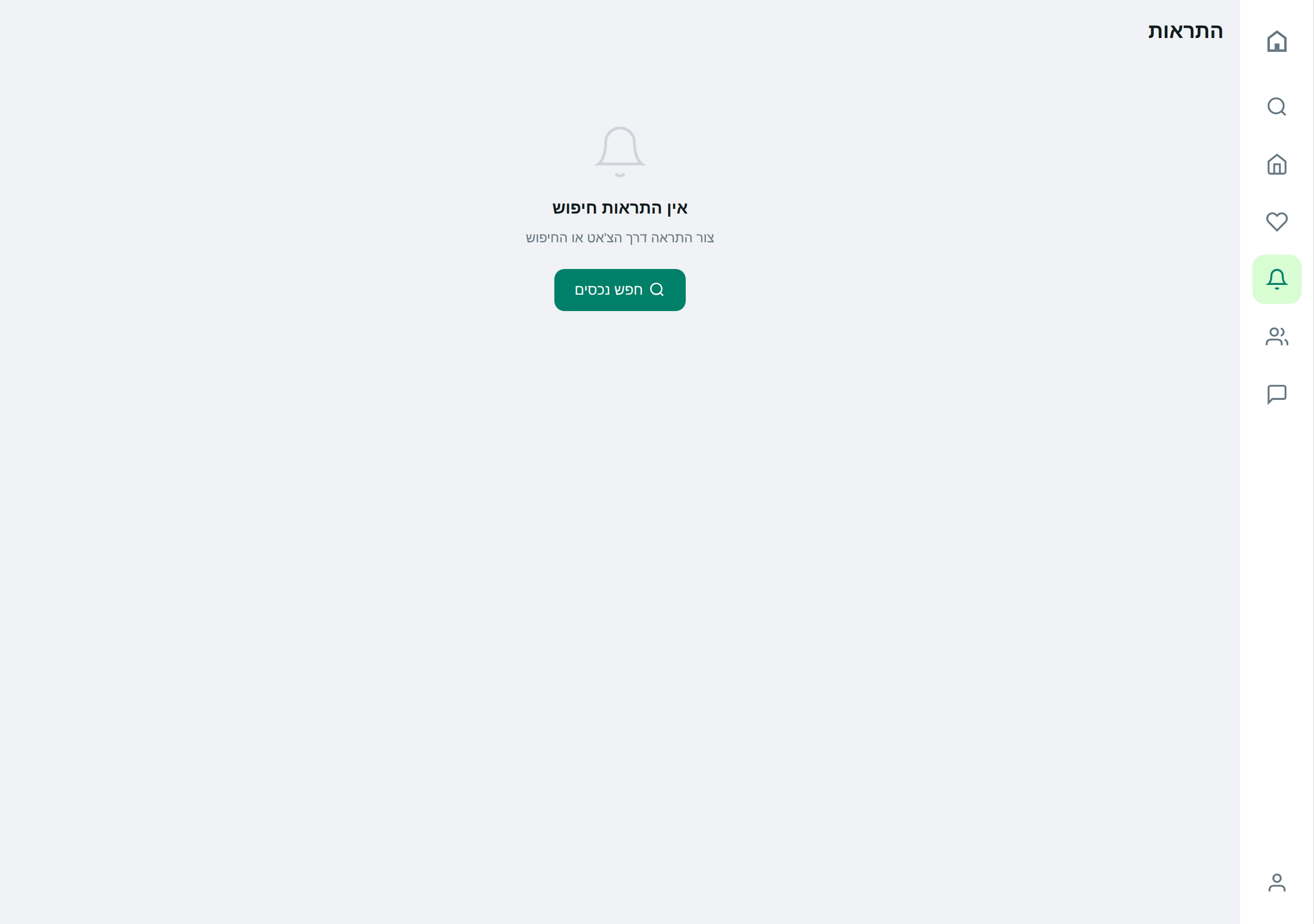
On the "Alerts" page there is a "+ New Alert" button. Fill in the criteria in the form and link to a contact if relevant.
Do it via AI
Reminder: the assistant really performs these actions — not just describes them.
Saved ✓ — alert "David" is active.
The current filter matches 3 properties already in the database. Want to see them now, or wait for the system to detect only new ones?
Today, 5 new matches were found in 3 alerts:
- David (Neve Ze'ev 4 rooms): 2 new
- Anna (Haifa rental): 2 new
- Holon investment: 1 new
Do you want me to open all of them or just one alert?
Tips & gotchas
If a client buys — don’t delete the alert, just pause it. If they return to the market in a year, you can reactivate it with a click instead of rebuilding all criteria.
Even if you update the alert, properties that you’ve "already seen" won’t be sent again. Each alert keeps a list of matches already viewed, so there’s no flooding.
After you set up an alert, the first scan cycle arrives within a quarter hour. If you want immediate results on the existing database — ask the assistant "what’s already in David’s alert?".
Ready to start?
Open the app or talk to the assistant on WhatsApp.