Agent Registration — How to Get Started
Enter phone number, name, and brokerage license number. Within 24 hours the team approves and you are registered as a verified agent.
Registration takes a minute: just phone, name, and brokerage license number (6 to 8 digits). You’ll receive the verification code via a WhatsApp message to the phone you entered. Until our team verifies the license with the Ministry of Justice (within a day), your status is marked "Agent Pending" — but this does not limit you at all. All features work from the first moment: add properties, open clients, talk to the assistant.
Do it in the app
-
1
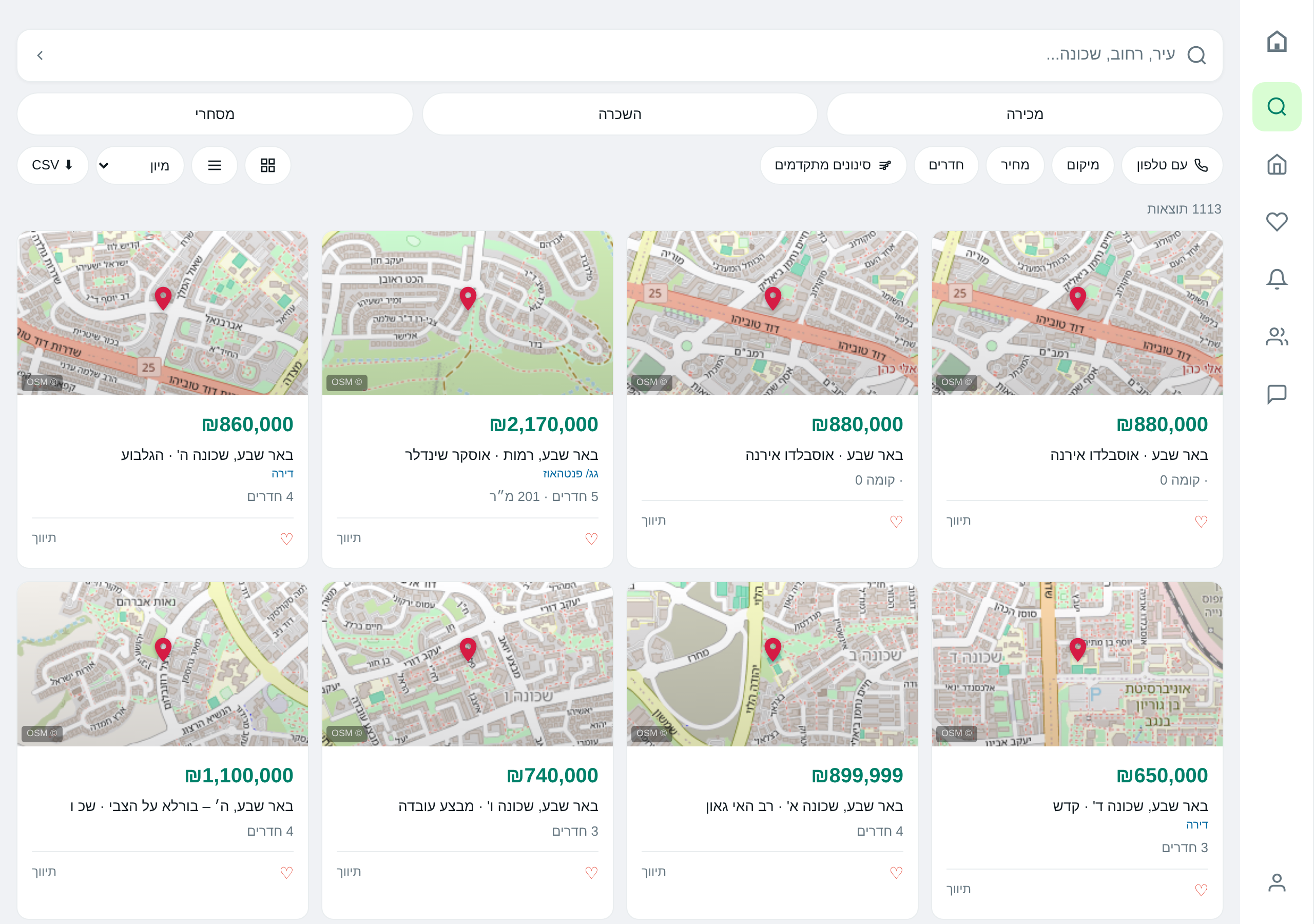
Click Sign In / Register
In the top corner of the site. Go to the "Register" tab and select "I’m an agent".
-
2
Fill the Form
Phone, full name, and brokerage license number. If the number is invalid the form will flag it immediately.
-
3
Verification via WhatsApp
A 6‑digit code will be sent to you on WhatsApp. Enter it on the page.
-
4
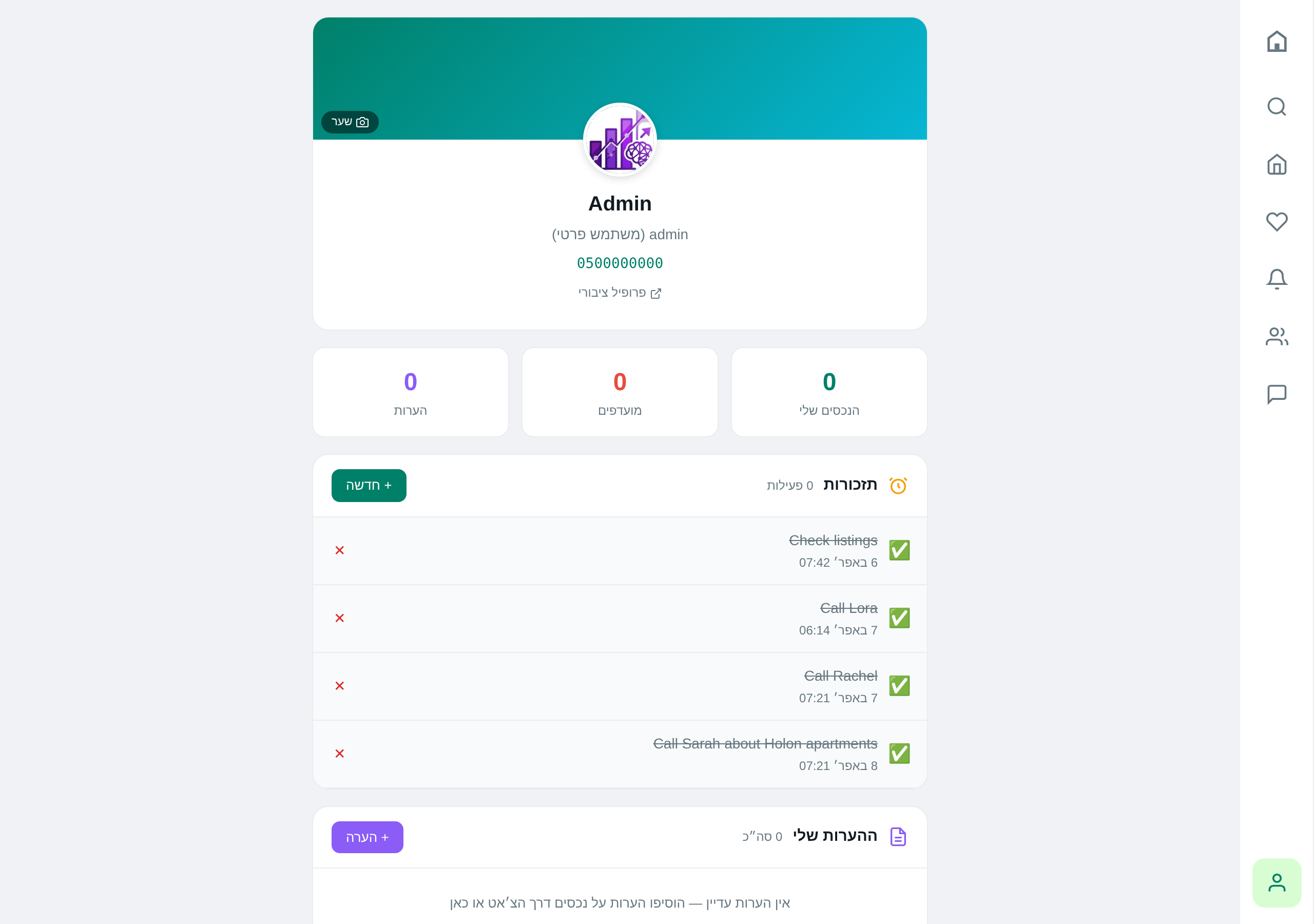
Fill Initial Profile
Display name (how you’ll appear to clients), profile picture if desired, and language selection. You can skip and complete later.
Do it via AI
Reminder: the assistant really performs these actions — not just describes them.
You’ll receive a WhatsApp message as soon as our team approves. This takes up to a day. In the meantime you can upload properties, save clients, and work as usual — no feature is blocked while waiting.
There is no separate recovery screen — simply click "Sign in with WhatsApp" on the login screen. A new OTP code will be sent to you and that’s it. By the way, most agents log in this way every time — no need to remember a password at all.
Tips & gotchas
Instead of a "Forgot password" screen — simply log in with a new OTP code via WhatsApp. Faster and you don’t have to remember anything.
A temporary label until your license is verified by us. It does not affect what you can do in the system — only the link to your public profile is revealed after approval.
Ready to start?
Open the app or talk to the assistant on WhatsApp.