Advanced Search and Filtering
A screen with 26 filters — or results in 3 seconds if you simply tell the assistant what you're looking for.
The search screen offers filtering on 26 different fields: city, neighborhood, street, transaction type, price range, rooms, sqm, floor, and all features (parking, elevator, MD, balcony, etc.). However, in practice, for most agents this question to the assistant works faster — it knows how to translate “5 apartments 4 rooms in Neve Ziv with parking” into the correct set of filters.
Do it in the app
-
1
Start with City and Neighborhood
The two most powerful filters. Autocomplete reduces 95% of cases to a few clicks.
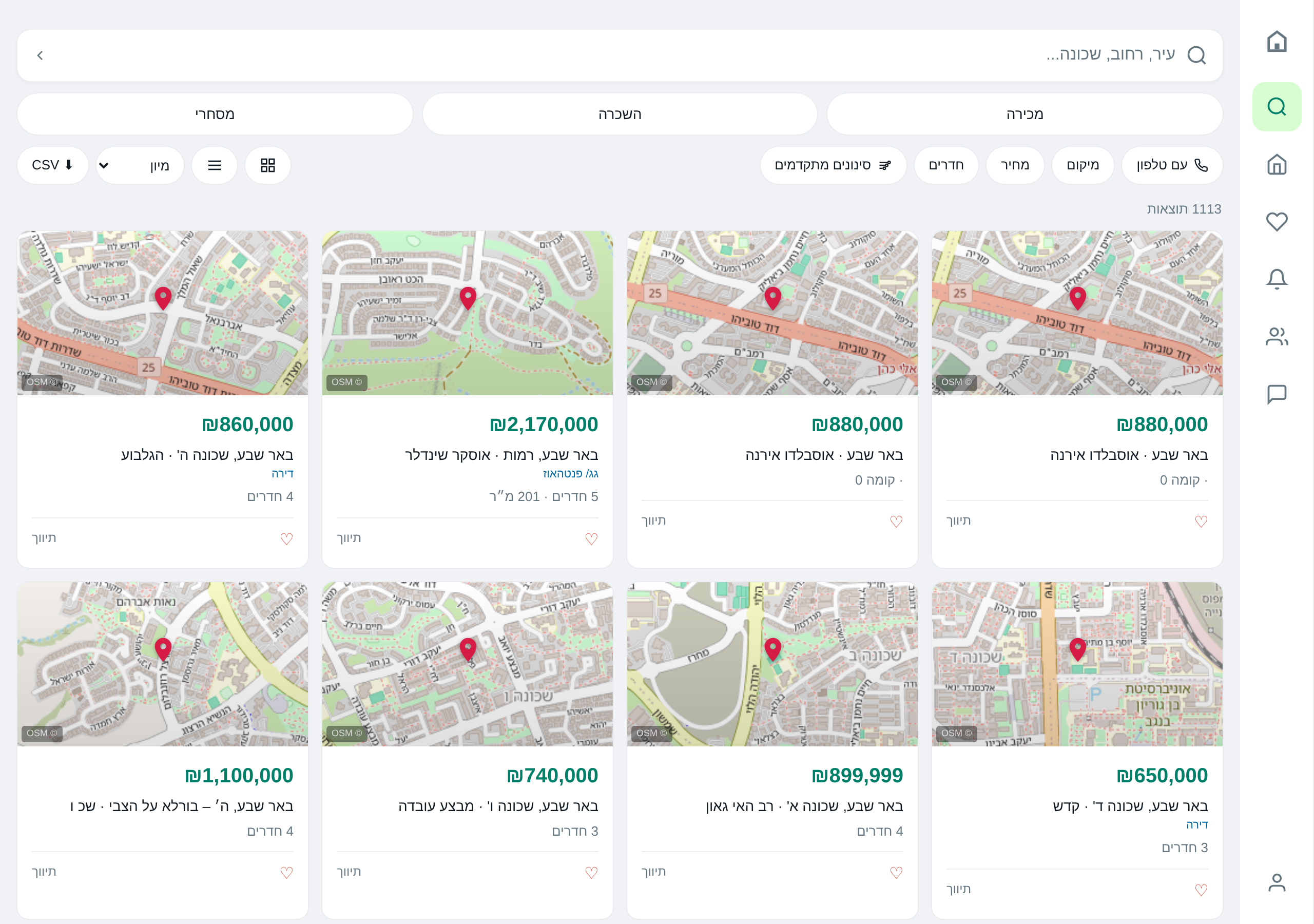
-
2
Price Range and Rooms
Two fields that generate most of the useful filtering. The “from… to…” fields are separate.
-
3
Advanced Filters
Clicking “Advanced Filters” opens fields for sqm, floor, parking, elevators, MD, balcony, furnished, MA, accessibility.
Do it via AI
Reminder: the assistant really performs these actions — not just describes them.
Found 7 matches. Here are the top 5:
- Karlivach 8 — 4 br, 95 sqm, ₪2.45M
- Bnei Bayit 14 — 4 br, 102 sqm, ₪2.55M
- ... and 3 more
Would you like to see all of them or only the cheaper ones?
In Neve Ziv, 3-room apartments, in the last 90 days:
- Average price: ₪2.05M
- Median: ₪2.0M
- Range: ₪1.7M – ₪2.4M
- Basic transaction count: 18
Tips & gotchas
After a first conversation ("apartments in Kiryat Ono") you can continue with "what about 5 rooms?" without repeating the city. It will keep the previous criterion.
Ready to start?
Open the app or talk to the assistant on WhatsApp.